
How to Setup IPTV on Firestick, Smart TV & Mobile (Step-by-Step)
⚙️ Setup Overview
- Average Setup Time: Approximately 3 to 5 minutes across all major platforms.
- Best Firestick Apps: We recommend TiviMate IPTV Player or IPTV Smarters Pro.
- Smart TV Apps (Samsung & LG): Use IBO Player or Smart IPTV from the official app store.
- Credentials Needed: Xtream Codes API (Server URL, Username, Password) or M3U Playlist link.
Setting up your Nufu TV subscription is an effortless process. This comprehensive guide walks you through how to setup IPTV on Amazon Firestick, Android TV boxes, Samsung Tizen OS, LG webOS, Apple TV, iPhone, and Windows PC. Once you place an order on our pricing page, you receive your credentials on WhatsApp instantly and can begin streaming within minutes.
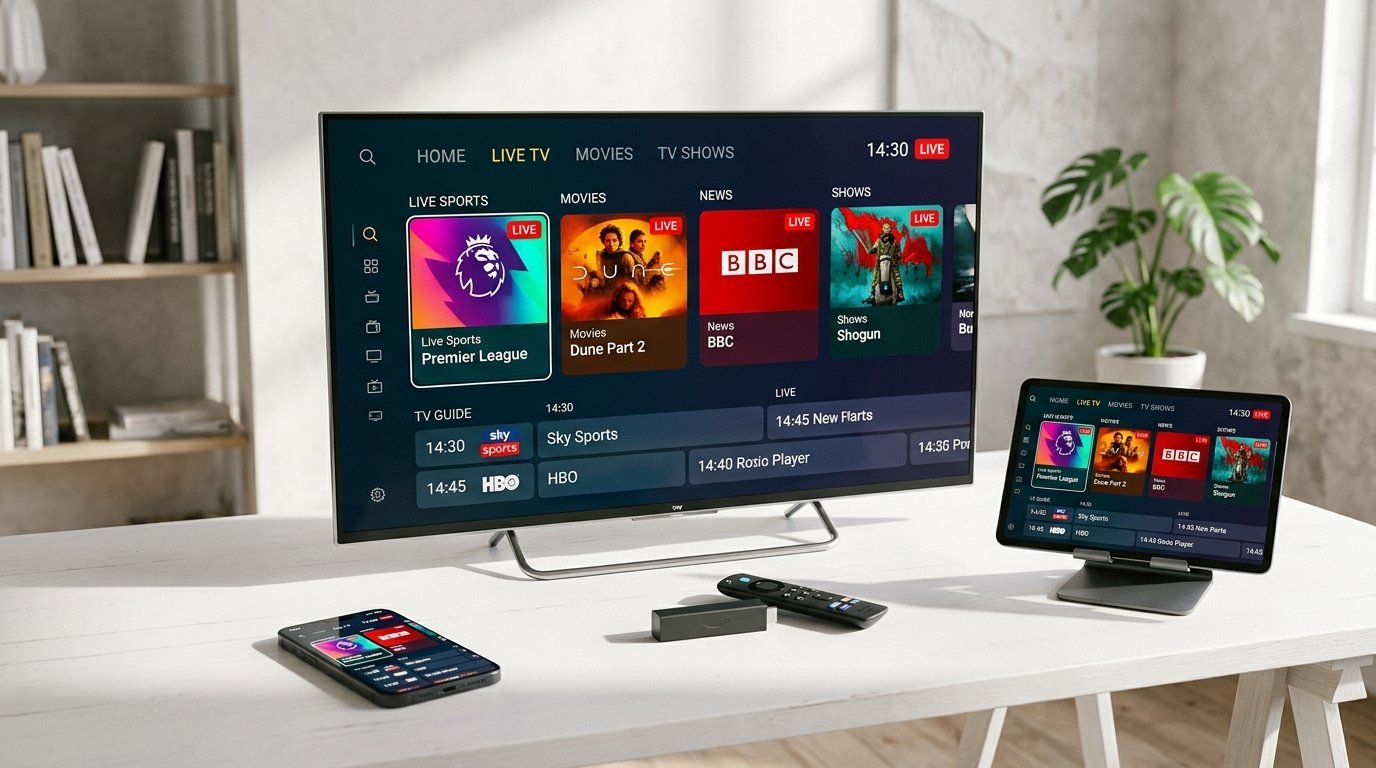
Method 1: Amazon Fire TV Stick Setup (Recommended)
Amazon Firestick (4K, 4K Max, Lite) is the most popular streaming device for IPTV due to its powerful hardware decoding. Follow these 4 simple steps:
Step 1: Install the Downloader App
From the Firestick home screen, click Find > Search, type Downloader, and install the orange Downloader app from the Amazon Appstore.
Step 2: Enable Unknown Sources
Navigate to Settings > My Fire TV > Developer Options > Install Unknown Apps. Select Downloader and toggle it to ON. (If Developer Options is hidden, click About and press your device name 7 times).
Step 3: Download Your IPTV Player
Open Downloader and enter the quick code for your preferred app: 278018 for IPTV Smarters Pro, or 250931 for TiviMate. Click Go to download and install. For an in-depth player comparison, see our Best IPTV Apps for Firestick Guide.
Step 4: Enter Nufu TV Credentials
Launch the app, choose Login with Xtream Codes API, and enter your details:
Name: Nufu TV
Username: (Sent to your WhatsApp)
Password: (Sent to your WhatsApp)
Server URL: (Sent to your WhatsApp)
Click Add User and enjoy 25,000+ live 4K channels!
Method 2: Samsung Smart TV (Tizen OS) & LG (webOS)
You do not need an external streaming stick if you have a modern Samsung or LG Smart TV. Both platforms feature native IPTV players in their official app stores:
- Open the Samsung Smart Hub or LG Content Store.
- Search for IBO Player, Smart IPTV, or BOB Player and install the app.
- Launch the app to reveal your TV's unique Device MAC Address and Device Key on the screen.
- Send your MAC Address and Device Key to our WhatsApp support team at +33 6 44 65 09 67.
- Our team remotely links your Nufu TV subscription to your TV. Restart the app, and your full channel catalog will load instantly. For detailed steps, check our Smart TV IPTV Setup Guide.
Method 3: Android TV, Google TV & NVIDIA Shield
Android TV and Google TV devices (including Chromecast with Google TV, NVIDIA Shield TV, and Xiaomi Mi Box) have direct access to the Google Play Store:
- Open the Google Play Store on your Android TV.
- Search for TiviMate IPTV Player or IPTV Smarters Pro and install.
- Open the player, select Xtream Codes API, enter your Nufu TV login credentials, and save.
Method 4: Apple TV, iPhone & iPad (iOS / tvOS)
Apple users can stream Nufu TV with ultra-smooth native video rendering:
- Open the Apple App Store on your iPhone, iPad, or Apple TV 4K.
- Download IPTV Smarters Pro, Smarters Player Lite, or GSE Smart IPTV.
- Select Add User via Xtream Codes, input your Nufu TV credentials, and start watching.
Method 5: Windows PC & Mac Setup
To stream on desktop computers or laptops:
- Windows: Download the official IPTV Smarters Pro for Windows client or use VLC Media Player with your M3U playlist link.
- Mac: Download IPTV Smarters Pro for Mac or UniPlayer from the Mac App Store.
- Web Browser: Access our dedicated Web Player portal from Chrome, Safari, or Firefox without installing software.
Stuck on Setup? Let Our Engineers Help
Our WhatsApp support desk is available 24/7 to provide one-on-one live setup guidance for any device.
Get 1-on-1 Setup Support on WhatsApp