
How to Fix IPTV Buffering: 7 Proven Fixes for Smooth 4K Streams (2026)
Understanding How to Fix IPTV Buffering is the single most valuable technical skill for any cord cutter. Nothing ruins a championship football match or a Saturday night blockbuster film faster than a spinning wheel icon freezing the action. While many viewers immediately point fingers at their service provider, over 80% of playback interruptions stem from local Wi-Fi packet drops, misconfigured DNS servers, memory congestion on budget streaming dongles, or active Internet Service Provider (ISP) traffic throttling.
⚡ The 30-Second Quick Troubleshooting Checklist
- Switch from 2.4 GHz Wi-Fi to 5 GHz Wi-Fi or hardwired Ethernet.
- Change your router's default ISP DNS to Cloudflare (1.1.1.1) or Google DNS (8.8.8.8).
- Clear the application cache in your Firestick / Android TV system settings.
- Increase the software buffer size in player settings to Large (3000ms - 5000ms).
- Test your true line stability at Speedtest.net for jitter and packet loss.
Fix 1: Switch to 5 GHz Wi-Fi or Hardwired Ethernet
The 2.4 GHz wireless spectrum is heavily saturated by neighboring routers, smart home appliances, and Bluetooth devices. This radio interference causes micro-packet loss. While a web browser can withstand packet loss by retransmitting data silently, a live 60 FPS video stream demands steady, continuous packet delivery.
Whenever possible, connect your streaming box via a cat6 Ethernet cable. If your device lacks an RJ45 port (such as an Amazon Fire TV Stick), invest in an inexpensive USB OTG Ethernet adapter. If Wi-Fi is mandatory, connect exclusively to the 5 GHz band and position the router within direct line of sight.
Fix 2: Bypass ISP DNS Throttling with 1.1.1.1 or 8.8.8.8
Most internet subscribers use the default DNS servers assigned automatically by their ISP. Many telecom operators intentionally slow down domain resolution or intercept traffic directed towards streaming video CDNs.
By updating your router or device DNS settings to secure public resolvers like Cloudflare 1.1.1.1 or Google 8.8.8.8, your streaming player connects directly to the nearest edge cache server with zero query manipulation.
Fix 3: Clear Streaming App Cache & Flush System Memory
Over weeks of streaming, applications like TiviMate, IPTV Smarters Pro, and XCIPTV accumulate hundreds of megabytes of cached channel logos, EPG data, and temporary video fragments. On devices with only 8 GB of internal flash storage, low disk space degrades video decoding performance:
- On Firestick: Go to Settings > Applications > Manage Installed Applications.
- Select your IPTV app and choose Clear Cache (do NOT select Clear Data unless you want to re-enter your credentials).
- Restart your Firestick by holding Select + Play/Pause simultaneously for 5 seconds.
Fix 4: Adjust Player Buffer Size in Application Settings
Modern media players allow you to configure buffer duration:
- Small / None (0 - 500ms): Instant channel zapping, but highly vulnerable to slight internet fluctuations.
- Medium (2,000ms): Default recommended setting for general high-speed home connections.
- Large (5,000ms - 10,000ms): Adds a 5-second buffer ahead of live playback. This absorbs minor packet spikes and eliminates freezing entirely during 4K sports broadcasts.
Fix 5: Switch Video Hardware Acceleration Engine
Every streaming box contains hardware video decoders. However, certain stream codecs (such as HEVC Main 10 profile or AAC multi-channel audio) can clash with default decoders:
Inside your player settings (e.g. TiviMate or XCIPTV), navigate to Playback > Decoder and toggle between Hardware (HW) and Software (SW). For 95% of users, Hardware decoding using ExoPlayer provides the lowest CPU overhead and smoothest framerate.
Fix 6: Defeat ISP Deep Packet Inspection with a Secure VPN
During peak viewing hours (especially Premier League, NFL, or Champions League live games), major internet service providers employ Deep Packet Inspection (DPI) to throttle unclassified video bandwidth. A premium VPN encrypts your traffic using AES-256 or ChaCha20 cipher algorithms, preventing your ISP from distinguishing between a spreadsheet download and a 4K video stream. Learn all the technical nuances in our in-depth VPN for IPTV Guide.
Fix 7: Upgrade to an Anti-Freeze Infrastructure Provider
If you have applied all local optimizations and still experience buffering during major events, the bottleneck lies on the server side. Budget providers overcrowd cheap VPS nodes with thousands of concurrent connections.
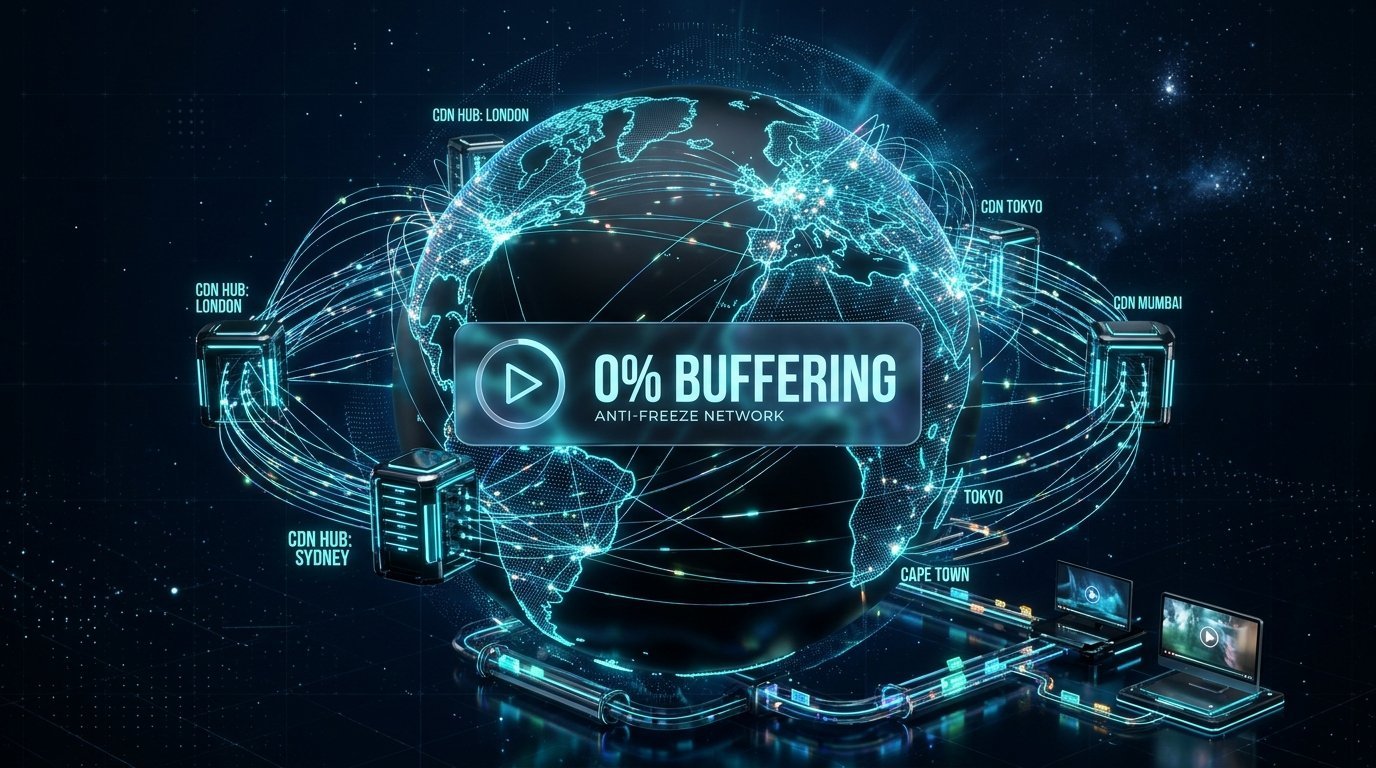
At Nufu TV, our Anti-Freeze CDN v9.4 infrastructure utilizes intelligent Anycast load balancers spread across 50+ global tier-1 data centers. If an individual node experiences heavy load, your stream seamlessly reroutes to an adjacent server without dropping a single video frame. Explore our complete pricing plans to experience truly buffer-free television.
Tired of Endless Buffering and Spinning Wheels?
Switch to Nufu TV today and enjoy pure 4K 60 FPS live sports, movies, and worldwide entertainment backed by our 7-Day Money-Back Guarantee.
Get Instant Anti-Freeze Access »